 writing
How to Write Blog Titles and Meta Descriptions That Get Clicks
You can write the best article on the internet, and it will still fail if the title does not earn the click. In search results, social feeds and inboxes, your headline and description are the entire pitch — a few dozen characters deciding whether all your work gets read. Having written and tested a lot of headlines, I can say the gap between a good title and a mediocre one is enormous, and mostly learnable.
This guide breaks down what makes titles and meta descriptions get clicks, with proven formulas and the mistakes that bury good content.
What a click-worthy title actually does
A great title does two jobs at once: it promises relevance (this is about exactly what you searched for) and value (and it will be worth your time). Clever wordplay is optional; those two signals are not.
The most reliable levers:
- Specificity. "How to save on groceries" is vague. "7 ways we cut our grocery bill by 30%" is concrete and credible.
- A clear benefit or outcome. Tell the reader what they will gain.
- Matching intent. The title should mirror the exact question the reader has in mind.
- Numbers. List-style numbers set clear expectations and consistently lift click-through rate.
A blog title generator is a fast way to spin up a dozen angles when you are stuck, giving you options to react to rather than a blank page.
Proven title formulas
When inspiration runs dry, these patterns work because they map to how people search:
- How to [achieve outcome] (without [pain point]) — "How to speed up your site without rewriting code".
- [Number] ways to [benefit] — "9 ways to write faster".
- The complete guide to [topic] — signals depth for broad searches.
- Why [surprising statement] — "Why your strongest password is weak".
- [Thing] vs [thing]: which should you use? — perfect for comparison intent.
Pick the formula that matches what the searcher wants, not the one that sounds cleverest.
Writing the meta description
The meta description is your ad copy. It does not directly affect rankings, but it strongly influences whether people choose your result — and better click-through can improve performance over time.
Guidelines that hold up:
- Length: around 150–160 characters so it is not cut off.
- Include the keyword naturally, because search engines bold matching terms, drawing the eye.
- Sell the click. State the benefit or the answer the reader will get.
- Write unique descriptions per page. Duplicates waste the opportunity and look careless.
If you leave it blank, the search engine picks a random sentence from your page, which rarely makes the case for clicking.
The mistakes that bury good content
I see the same avoidable errors constantly:
- Clickbait that overpromises. If the content does not deliver what the title claimed, people bounce — and bounce hurts you. Earn the click honestly.
- Burying the point. Front-load the keyword and the benefit; do not make readers decode a clever opener.
- Being too clever. Puns that obscure the topic cost you relevance. Clarity beats wit for click-through almost every time.
- Ignoring length limits. A truncated title or description loses its punch mid-sentence.
- One title, no alternatives. Draft several and compare; the first idea is rarely the best.
Matching the title to search intent
A title that gets clicks but mismatches intent still fails, because visitors bounce the moment the page is not what they expected. Before finalising a headline, I identify which of four intents the reader has, and shape the title to it.
- Informational ("how does compound interest work"). Lead with clarity and the promise of a clear explanation: "Compound Interest Explained Simply".
- Commercial ("best budgeting apps"). Signal comparison and recency: "7 Best Budgeting Apps in 2026, Tested".
- Transactional ("free qr code generator"). Be direct about what they can do right now: "Free QR Code Generator — No Sign-Up".
- Navigational (they want a specific brand or page). Match the name they are searching for exactly.
Getting this right also improves the metric that matters after the click: dwell time. When the page delivers precisely what the title promised, people stay, read and convert — and that behaviour signals quality back to search engines far more reliably than any keyword trick.
A practical tip: look at the titles already ranking for your keyword. They reveal the intent Google has decided the query has. You do not have to copy them, but if every result is a list and yours is a philosophical essay, you have probably misread the intent.
Test before you commit
Treat titles as hypotheses. Write five to ten options, then judge them against a simple bar: Would I click this over the other results? Read them as they will appear — truncated to the real character limits — and check that the keyword and benefit survive the cut. Where your platform allows it, A/B test; where it does not, at least sleep on the shortlist.
The takeaway
Your title and meta description are the smallest, highest-leverage copy you will write. Make them specific, benefit-led and matched to the reader's intent; lean on proven formulas when you are stuck; and keep them within the length limits so nothing important gets truncated. Generate a batch of angles with a blog title generator, pick the one you would genuinely click, and give your best work the headline it deserves.
Frequently Asked Questions
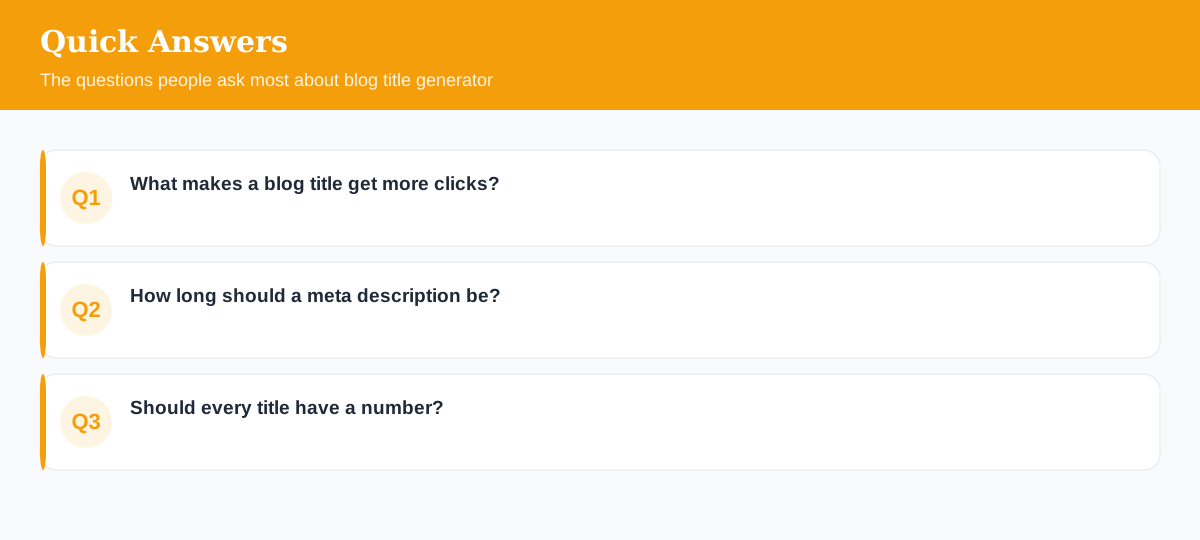
What makes a blog title get more clicks?
Clarity plus a clear benefit or curiosity gap. Specific numbers, a promise of usefulness, and matching the reader's exact intent beat clever wordplay almost every time.
How long should a meta description be?
Around 150–160 characters so it isn't truncated. Include the keyword naturally and write it like ad copy — its job is to win the click, not to rank.
Should every title have a number?
No, but list-style numbers do tend to lift click-through rate because they set clear expectations. Use them where they fit, not as a gimmick on every post.
Explore 500+ Free Online Tools
No sign-up. No cost. Forever free — for developers, writers & creators.