 security
Two-Factor Authentication and TOTP: A Practical Guide
The day a friend's email got taken over despite a strong password was the day I stopped treating two-factor authentication as optional. Her password hadn't been guessed — it had leaked in a breach of some unrelated site where she'd reused it. A second factor would have stopped the attacker cold. Since then I've turned on 2FA everywhere that matters, and I've learned that the six-digit codes everyone grumbles about are genuinely clever once you understand them.
Here's how two-factor authentication and TOTP work, in plain terms.
What "two factors" means
Authentication factors come in three flavours: something you know (a password), something you have (your phone), and something you are (a fingerprint). Two-factor authentication simply requires two different factors, so a password alone isn't enough to get in.
That's the whole security idea. An attacker who steals or guesses your password still can't log in, because they don't have your second factor. Given how often passwords leak in breaches, this one step blocks the overwhelming majority of account takeovers.
TOTP: those 6-digit codes
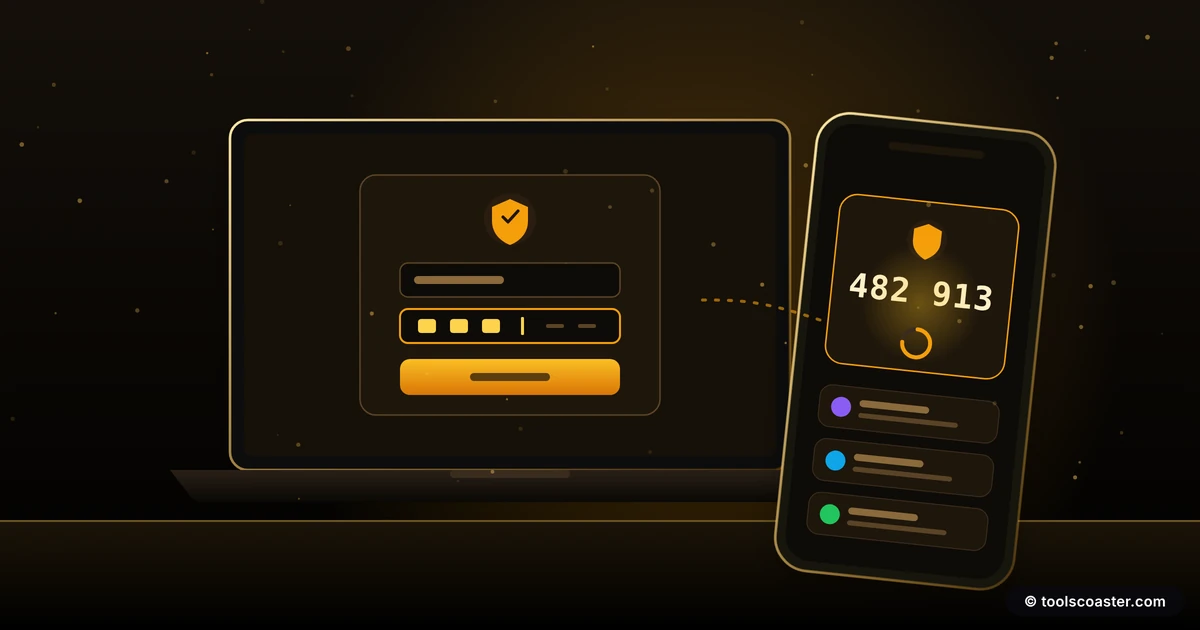
The most common second factor is the 6-digit code from an authenticator app that changes every 30 seconds. That's TOTP — Time-based One-Time Password — and the way it works is elegant.
When you enable it, the service and your authenticator app agree on a shared secret (usually by scanning a QR code). From then on, both sides run the same calculation: take the shared secret, combine it with the current time, and produce a 6-digit code. Because both have the secret and both read the same clock, they independently arrive at the same code — which changes every 30 seconds as the time input changes.
Crucially, the code is computed on your device. Nothing is sent over the network to generate it, so there's nothing for an attacker to intercept in transit. A TOTP setup helper and an OTP generator can show you how these codes are produced from a secret.
Why app codes beat SMS
Many services offer 2FA by texting you a code. It's far better than nothing, but it's the weakest common form, and here's why.
SMS codes travel over the phone network, where they can be intercepted, and they're vulnerable to SIM swapping — an attacker convinces your carrier to move your number to their SIM, and your codes start arriving on their phone. TOTP has no such weakness: the code is generated locally from a secret that never leaves your device, so there's no message to hijack and no number to steal.
If a service offers both, choose the authenticator app. Reserve SMS for accounts that offer nothing else — a weaker second factor still beats a single factor. A deeper two-factor guide walks through the trade-offs if you want the full comparison.
A quick worked example
Picture an attacker who bought your reused password in a breach dump. They type it into your account and it's correct — but the login now asks for your 6-digit code. They don't have your phone, so they can't produce it, and the code regenerates every 30 seconds anyway. The stolen password, which would have been game over on its own, is now useless. That's the entire point of the second factor, playing out exactly as designed.
Setting it up safely
Turning on 2FA takes a few minutes, and two steps protect you from locking yourself out:
- Save your backup codes. When you enable 2FA, the service gives you a set of one-time recovery codes. Store them somewhere safe and offline (a password manager, or printed). These are your way back in if you lose your phone.
- Enrol a second method or device where possible, so a lost phone isn't a crisis.
Then just scan the QR code with your authenticator app, confirm the first code, and you're protected.
The "lost my phone" question
The fear that stops people enabling 2FA is "what if I lose my phone?" The honest answer: it's manageable if you prepared. Your backup codes get you in; a second enrolled device gets you in; and failing both, the service's account-recovery process gets you in (more slowly). The small effort of saving recovery codes up front removes almost all the risk. Not enabling 2FA to avoid a lockout you can easily prevent is trading a large risk for a tiny, solvable one.
The takeaway
Two-factor authentication adds a second lock that a stolen password can't open — and in a world where passwords leak constantly, that's the difference between a breach that touches you and one that doesn't. Prefer app-based TOTP over SMS (no SIM-swap or interception risk), save your backup codes when you set it up, and turn it on everywhere that holds anything you'd hate to lose: email first, then banking, then everything else. It's a few minutes of setup for a security upgrade that genuinely stops the most common attacks.
Frequently Asked Questions
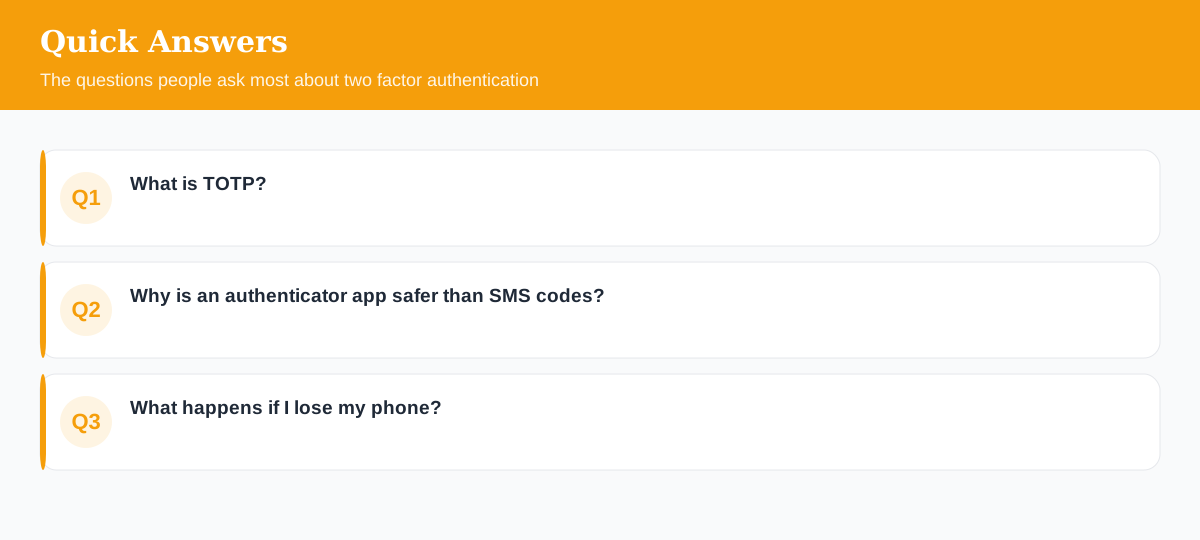
What is TOTP?
Time-based One-Time Password — the 6-digit code an authenticator app generates. Your device and the server share a secret and both compute the same code from the current time, so it changes every 30 seconds.
Why is an authenticator app safer than SMS codes?
SMS can be intercepted or SIM-swapped. TOTP codes are generated on your device from a shared secret and never travel over the network, so there's nothing to intercept.
What happens if I lose my phone?
You'll need your backup/recovery codes (save them when you enable 2FA) or a second enrolled device. Without either, you must go through the service's account-recovery process.
Explore 500+ Free Online Tools
No sign-up. No cost. Forever free — for developers, writers & creators.