 network
Subnetting and CIDR Explained for Beginners
Subnetting is the topic that makes new network engineers quietly panic. It looks like a wall of binary and slashes, and most explanations start from the math instead of the point. But the core idea is simple, and once it clicks, CIDR notation stops being intimidating and becomes a quick mental shortcut.
This guide explains IP addresses, subnet masks and CIDR in plain English, with a straightforward method for working out hosts and ranges.
What an IP address really is
An IPv4 address like 192.168.1.10 is four numbers (octets), each from 0 to 255. Under the hood, each octet is eight bits, so the whole address is 32 bits.
Every address has two parts:
- A network portion that identifies which network the device is on.
- A host portion that identifies the specific device within that network.
The whole job of subnetting is deciding where the split between those two parts falls. That split is what a subnet mask defines.
Subnet masks and the split
A subnet mask marks which bits are "network". A mask of 255.255.255.0 means the first three octets (24 bits) are network and the last octet (8 bits) is host.
That is a lot to write, so CIDR notation shortens it. Instead of 255.255.255.0, you write /24 — the number of network bits. This is the whole secret of CIDR: the number after the slash is simply how many bits are fixed for the network.
/24= 24 network bits, 8 host bits/16= 16 network bits, 16 host bits/8= 8 network bits, 24 host bits
Fewer host bits means a smaller network; more host bits means a bigger one.
Counting hosts: the one formula you need
The host bits determine how many addresses a subnet holds. The rule is:
Total addresses = 2 raised to the number of host bits.
For a /24, that is 2⁸ = 256 addresses. But not all are usable:
- The first address is the network identifier.
- The last address is the broadcast address.
So a /24 has 256 total and 254 usable host addresses. The general rule: usable hosts = 2^(host bits) − 2.
A few common ones worth memorising:
/24→ 256 total, 254 usable/25→ 128 total, 126 usable/26→ 64 total, 62 usable/30→ 4 total, 2 usable (handy for point-to-point links)
A subnet calculator does all of this instantly — enter an address and a prefix, and it returns the mask, usable range, network and broadcast addresses.
Working out a range by hand
Take 192.168.1.0/26. The /26 leaves 6 host bits, so each subnet holds 64 addresses. The subnets step in blocks of 64:
192.168.1.0–192.168.1.63192.168.1.64–192.168.1.127192.168.1.128–192.168.1.191192.168.1.192–192.168.1.255
Within the first block, .0 is the network, .63 is broadcast, and .1–.62 are assignable. That "block size" trick — 256 minus the mask octet — lets you find ranges without converting everything to binary.
Public vs private addresses
Not every address is routable on the open internet. Certain ranges are reserved for private, internal networks:
10.0.0.0/8172.16.0.0/12192.168.0.0/16
That is why your home devices all sit on 192.168.x.x and share one public IP through your router — a process called NAT. Recognising private ranges helps you read any network diagram quickly.
A CIDR cheat sheet
Once you have done a few by hand, you start to memorise the common prefixes. This table covers the ones you will meet most often.
| CIDR | Subnet mask | Total addresses | Usable hosts |
|---|---|---|---|
| /30 | 255.255.255.252 | 4 | 2 |
| /29 | 255.255.255.248 | 8 | 6 |
| /28 | 255.255.255.240 | 16 | 14 |
| /27 | 255.255.255.224 | 32 | 30 |
| /26 | 255.255.255.192 | 64 | 62 |
| /25 | 255.255.255.128 | 128 | 126 |
| /24 | 255.255.255.0 | 256 | 254 |
| /23 | 255.255.254.0 | 512 | 510 |
The pattern is worth internalising: each step down in prefix number doubles the size of the network, and each step up halves it. A /30, with just two usable addresses, is the classic choice for a point-to-point link between two routers, where only two devices ever need an address. A /24 is the familiar home and small-office default.
The block-size trick, restated
To find where subnets begin without binary, take 256 minus the interesting mask octet. For a /26, the mask octet is 192, so 256 − 192 = 64 — the subnets start at 0, 64, 128 and 192. That single subtraction replaces a page of binary conversion and is the fastest way to answer "which subnet is this address in?" under time pressure.
Why subnetting is worth learning
Beyond passing a certification, subnetting lets you:
- Segment networks for security and performance, keeping groups of devices separate.
- Allocate addresses efficiently, instead of wasting a huge block on a handful of devices.
- Troubleshoot by instantly seeing whether two addresses belong to the same subnet.
The takeaway
Subnetting is far less scary than it looks. An IP address splits into a network part and a host part; the subnet mask (written as /n in CIDR) decides where that split falls; and the host bits tell you how many addresses you get, minus two for the network and broadcast. Learn the block-size trick, remember the private ranges, and lean on a subnet calculator to check your work until the patterns become second nature.
Frequently Asked Questions
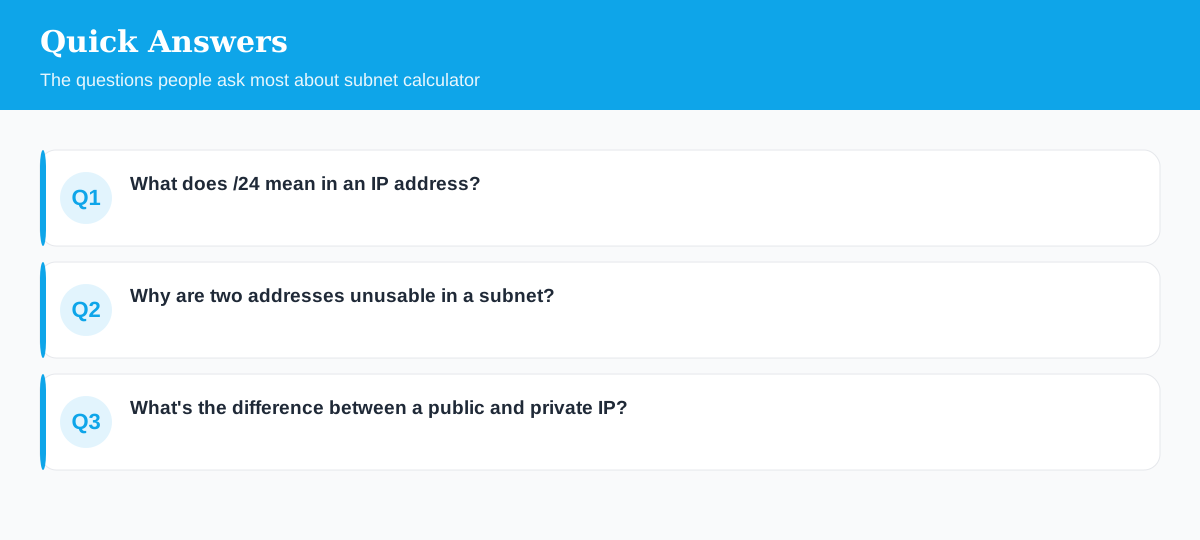
What does /24 mean in an IP address?
The number after the slash is how many bits are fixed for the network. /24 fixes the first 24 bits, leaving 8 bits for hosts — that's 256 addresses, 254 usable.
Why are two addresses unusable in a subnet?
The first address is the network identifier and the last is the broadcast address, so a /24 has 256 total but 254 assignable to devices.
What's the difference between a public and private IP?
Private ranges (like 192.168.x.x and 10.x.x.x) are reserved for internal networks and aren't routable on the public internet, which is why many devices share one public IP.
Explore 500+ Free Online Tools
No sign-up. No cost. Forever free — for developers, writers & creators.