 generator
QR Codes Explained: How to Generate and Use Them Properly
QR codes went from novelty to everyday infrastructure almost overnight. They are on menus, packaging, posters, payment screens and business cards. Yet most people generate one, slap it on a design, and never check whether it actually scans reliably. In our testing, a surprising number of real-world codes fail on the first try — and it is almost always avoidable.
This guide explains how QR codes work, how to generate ones that scan every time, and where they genuinely help versus where they just annoy.
How a QR code actually works
A QR ("Quick Response") code is a two-dimensional barcode that stores data as a grid of black and white squares. A camera reads the pattern, and software decodes it back into text — usually a URL, but it can also hold plain text, contact details, Wi-Fi credentials or payment information.
Two features make them robust:
- Position markers — the three large squares in the corners let a camera find and orient the code from any angle.
- Error correction — QR codes store redundant data, so they still scan even if part of the code is damaged, dirty or covered by a small logo.
To create one, you encode your data with a QR code generator and download the image.
Static vs dynamic codes
This distinction matters more than people realise.
- Static codes encode the data directly. The URL lives inside the pattern, so the code never expires and depends on nothing but the destination page.
- Dynamic codes encode a short link that redirects through a third-party service, which lets you edit the destination or track scans — but if that service shuts down or you stop paying, every printed code breaks.
For anything printed permanently — packaging, signage, a tattoo of your Wi-Fi password — prefer a static code so there is no middleman to fail.
Generating codes that always scan
Most scan failures come from a few repeatable mistakes. Avoid these and your success rate jumps.
Keep it big enough
As a rule of thumb, print QR codes at least 2 × 2 cm, and larger if people scan from a distance (a poster across a room needs a much bigger code). The more data you encode, the denser the grid, and the larger it must be.
Preserve the quiet zone
QR codes need a margin of empty space — the "quiet zone" — around them, roughly four modules wide. Cramming text or graphics right up against the edge confuses scanners.
Maintain strong contrast
Dark code on a light background is the safe choice. Inverting the colours (light on dark) or using low-contrast brand colours is a common cause of failure. If you must brand it, keep the contrast high and test on multiple phones.
Shorten the URL
A shorter destination URL means a simpler, less dense code that scans faster and tolerates more damage. Trim tracking parameters where you can.
Always test before printing
This is the step people skip. Before a code goes to print or production, scan it with at least two different phones. Fixing a typo on screen is free; reprinting ten thousand flyers is not.
Where QR codes help — and where they annoy
QR codes shine when they remove friction:
- Linking a physical object to online content (a product to its manual).
- Sharing Wi-Fi access without reading out a long password.
- Fast payments and ticketing.
- Menus and sign-ups where typing a URL would be tedious.
They annoy when they add friction — replacing a short, memorable URL with a mandatory camera dance, or hiding essential information behind a scan that fails on older phones. Use them to help, not to show off.
Smart ways to use QR codes
The best QR codes remove a step the user would otherwise find tedious. A few patterns that consistently work:
- Product to support. A code on packaging that opens the manual, setup video or warranty registration saves customers from typing a long URL into a phone.
- Print to digital. On a poster, flyer or business card, a code bridges the physical and online worlds — but always pair it with a short visible URL as a fallback for people who cannot or will not scan.
- Wi-Fi sharing. A code that encodes network credentials lets guests join without you reading out a 20-character password.
- Events and ticketing. Codes make check-in fast and reduce fraud, because each one can be unique.
A couple of habits make these far more effective. First, add a short call to action next to the code — "Scan for the menu" — because a bare code gives people no reason to lift their phone. Second, if you need to track scans or might change the destination, use a dynamic code from a reputable provider, but understand the trade-off: you are now depending on that service staying online. For a permanent print run where the destination will never change, a static code is the safer, dependency-free choice.
Finally, think about placement. A code needs to be reachable and holdable-still to scan. A code on a moving bus, behind glare, or above head height looks clever and fails in practice.
A quick safety note
The code itself is just data, but it can point anywhere. Scammers have placed malicious QR codes over legitimate ones on parking meters and posters. Two sensible habits:
- Preview the URL your phone shows before tapping it.
- Be cautious with codes in untrusted public places, especially ones that ask for payment or login details.
The takeaway
A QR code is only as good as its weakest scan. Make it big enough, keep high contrast and a clear quiet zone, shorten the destination, and — above all — test it on real phones before it ships. Choose static codes for anything permanent so no third party can break them later. Get those basics right with a QR code generator and your codes will just work, every time, for everyone.
Frequently Asked Questions
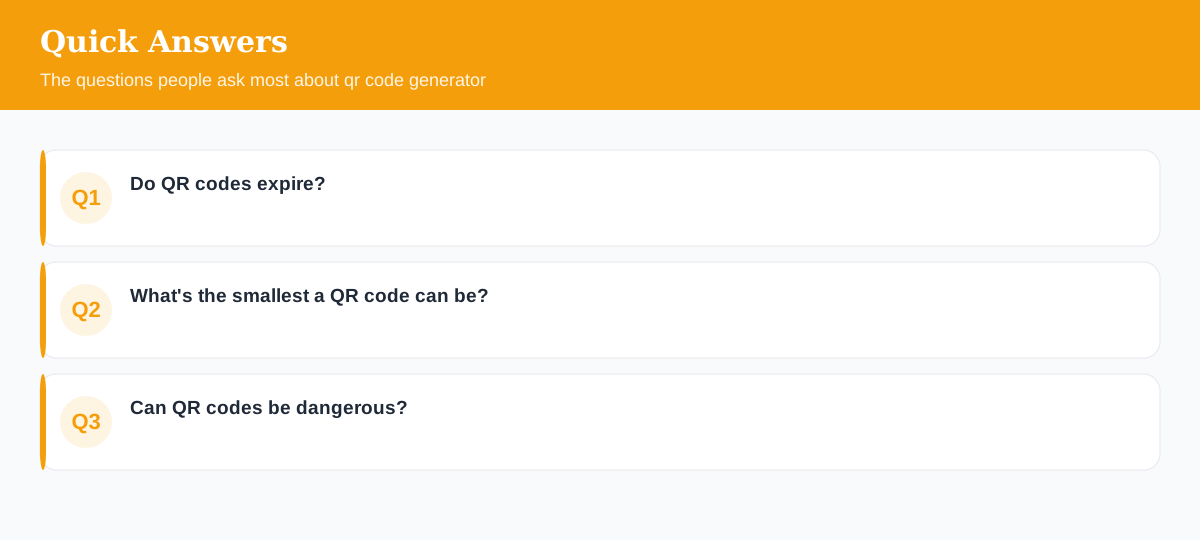
Do QR codes expire?
A static QR code never expires — it encodes the data directly. Only 'dynamic' QR services that redirect through their own link can stop working if that service shuts down.
What's the smallest a QR code can be?
As a rule of thumb, keep it at least 2 x 2 cm in print and ensure strong contrast. More data means a denser code that needs to be larger to scan.
Can QR codes be dangerous?
The code itself is just data, but it can point to a malicious link. Always preview the URL before opening, and be cautious with codes in untrusted public places.
Explore 500+ Free Online Tools
No sign-up. No cost. Forever free — for developers, writers & creators.