 code
codeFrom JSON to TypeScript and SQL: Generate Code from Your Data
The most mind-numbing part of integrating a new API is the first hour: staring at a sample JSON response and hand-typing a TypeScript interface to match it, field by field, getting a casing wrong here and a nullable wrong there. I did this manually for years before realising the obvious — the structure I need is already in the JSON. A generator can read the payload and write the types (or the SQL) for me in seconds. It turned an hour of tedium into a minute of review.
Here's how to generate code from your data, and where to stay careful.
The problem: data shapes you have to re-type
Modern apps constantly move data between forms. An API returns JSON; your front end needs TypeScript types for it; your database needs columns to store it. Each of these is the same shape expressed three ways, and hand-translating between them is slow and error-prone. A single typo — userId vs userID, a missing ? on an optional field — causes bugs that only surface at runtime.
The insight is that a representative sample of the data already encodes the shape. Rather than re-type it, let a tool infer it.
JSON to TypeScript
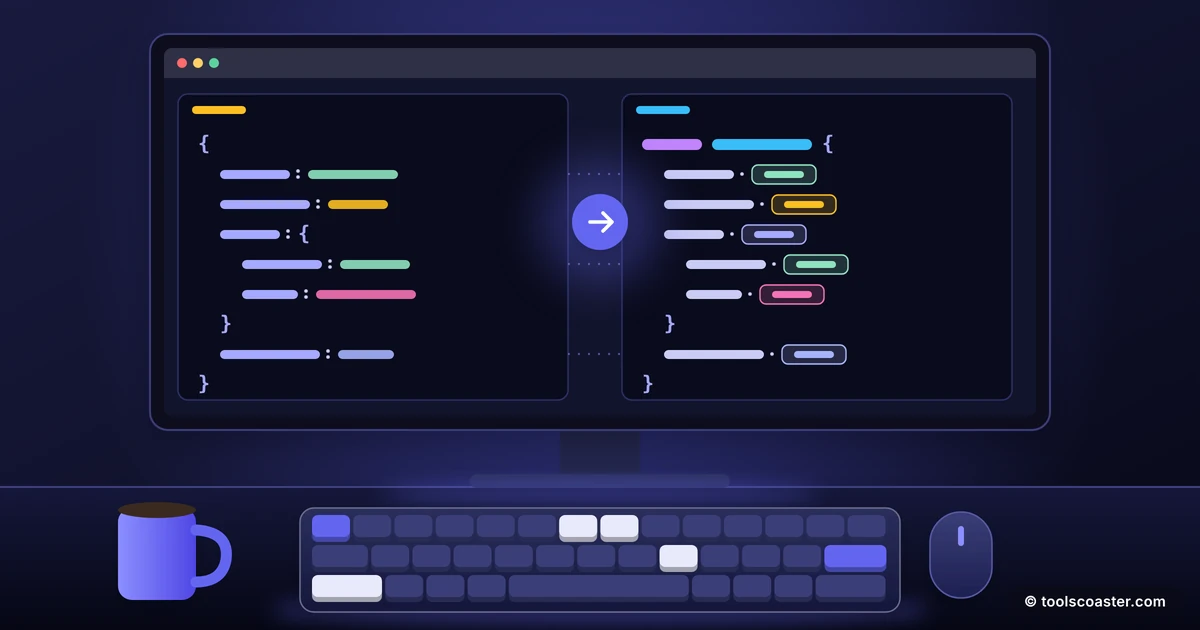
Paste a sample JSON object into a JSON-to-TypeScript tool and it reads the keys and values and produces an interface: string fields become string, numbers become number, nested objects become their own interfaces, and arrays become typed arrays. What took ten minutes of careful typing arrives instantly and without casing mistakes.
This is especially valuable for deeply nested responses. A payload three levels deep would take real effort to type by hand and is exactly where typos creep in; the generator handles the nesting mechanically.
JSON to SQL
The same JSON can seed a database. A JSON-to-SQL tool maps the object's keys to columns and generates INSERT statements — and often a CREATE TABLE as well. When you've got an array of objects from an API and want them in a database for testing or analysis, this skips the manual column-mapping entirely.
It's a huge time-saver for prototyping: pull a sample response, convert to SQL, run it, and you have a populated table to work against in under a minute.
A quick worked example
Suppose an API returns {"id": 1, "fullName": "Sam Lee", "isActive": true, "tags": ["a","b"]}. The JSON-to-TypeScript tool gives you an interface with id: number, fullName: string, isActive: boolean, and tags: string[] — correct casing, correct types, instantly. Feed the same object to the JSON-to-SQL tool and you get a CREATE TABLE with matching columns plus an INSERT. Two outputs, both derived from one sample, neither hand-typed. The only work left is reviewing them.
The one habit that keeps you safe
Generated code is a fast first draft, not gospel, and the reason is important: a generator infers types from the one sample you gave it. If that sample happens to have a non-null value in a field that's sometimes null, the generator types it as non-nullable — and your code will crash the first time the real API returns null there.
So always review generated types against the real data's possibilities, not just the sample:
- Nullable and optional fields. Check the API docs; mark fields that can be absent or null, which one sample won't reveal.
- Numbers that are really strings. IDs and codes sometimes arrive as strings (
"00123"); don't let a tool guessnumberif leading zeros matter. - Empty arrays. An empty
[]gives the generator nothing to infer the element type from — fill it in yourself. - Dates. JSON has no date type, so dates arrive as strings; decide how you'll parse them.
Treat the generator's output as 90% done and spend your minute on the 10% that one sample can't tell you.
Validate the schema, too
For data you'll rely on, pair generation with validation. A JSON schema validator lets you define the shape you expect and check incoming data against it, catching the moment an API quietly changes or returns something malformed. Generation gives you the types fast; validation guards against the data drifting away from them later.
The takeaway
The shape of your data already lives in the data — so stop re-typing it by hand. A JSON-to-TypeScript tool turns a sample payload into correct interfaces instantly, and a JSON-to-SQL tool turns it into tables and inserts for seeding and testing. Both save real time and eliminate casing typos. The discipline that makes it safe is simple: treat the output as a first draft and review nullability, string-vs-number and dates against what the API can actually return, not just the one example you pasted. Do that and you'll spend your integration time on logic, not on transcribing field names.
Frequently Asked Questions
How do I turn JSON into a TypeScript interface?
Paste a representative JSON object into a JSON-to-TypeScript tool. It infers the field names and types and outputs an interface you can drop straight into your code.
Can I generate SQL from JSON?
Yes — a JSON-to-SQL tool maps the object's keys to columns and produces INSERT statements (and often a CREATE TABLE), which is handy for seeding a database from an API response.
Should I trust generated types blindly?
Use them as a fast first draft. Generators infer types from one sample, so check nullable and optional fields against the real API, and validate the schema before relying on it.
Explore 500+ Free Online Tools
No sign-up. No cost. Forever free — for developers, writers & creators.