 data
dataCSV vs JSON: When to Use Each and How to Convert Between Them
CSV and JSON are the two formats data quietly travels in, and people argue about which is "better" as if that is a sensible question. It is not. They were designed for different jobs, and the real skill is knowing which fits the task — and how to convert between them without corrupting your data.
This guide compares CSV and JSON honestly, shows when each wins, and covers the pitfalls that silently break files.
What each format is good at
CSV: flat and compact
CSV (Comma-Separated Values) is a table in text form: a header row, then one row per record, columns split by commas. It is wonderfully simple, compact, and understood by every spreadsheet and database on earth.
CSV shines when your data is flat and tabular — a list of customers, transactions, or survey responses where every row has the same columns.
JSON: structured and nested
JSON stores data as objects and arrays, and crucially it can nest. A single record can contain a list of addresses, each with its own fields, to any depth. It is self-describing, and it is the default language of web APIs.
JSON shines when your data has structure and hierarchy, or when it moves between programs rather than into a spreadsheet.
A side-by-side comparison
The same two users in each format make the difference obvious.
CSV:
name,age,city
Ada,36,London
Alan,41,Manchester
JSON:
[
  { "name": "Ada", "age": 36, "city": "London" },
  { "name": "Alan", "age": 41, "city": "Manchester" }
]
CSV is smaller and instantly readable as a table. JSON is more verbose but can carry nested detail CSV cannot — for example, giving each person a list of phone numbers.
Which to choose
- Going into a spreadsheet or a simple database import? CSV.
- Feeding a web app or API, or the data is nested? JSON.
- Sharing with a non-technical colleague? CSV, almost always.
- Need to preserve types (numbers vs strings, booleans)? JSON, since CSV treats everything as text.
The pitfalls that corrupt data
Most "the file is broken" moments come from a handful of issues.
Commas and line breaks inside values
This is the classic CSV failure. If a value contains a comma — "Smith, John" — it must be wrapped in quotes, or it will split into two columns and shift everything after it. Line breaks inside a field cause the same chaos. Proper CSV quotes these fields; sloppy exports do not.
Inconsistent columns
CSV assumes every row has the same columns in the same order. A single missing or extra value misaligns the whole row. JSON is more forgiving, because each object names its own fields.
Encoding problems
Accented characters and emoji can turn into garbage if the file's encoding is not UTF-8. This bites both formats but is especially common with CSV exports from older software.
Nesting in JSON that will not fit CSV
Not every JSON converts cleanly to CSV. Deeply nested structures have to be flattened first, because CSV has no way to represent a list inside a cell. If a converter refuses, that is usually why.
The edge cases that trip people up
Beyond the big pitfalls, a handful of smaller details cause the mysterious "it worked on my machine" failures when data moves between systems.
- Delimiters are not always commas. Many European locales use the comma as a decimal separator, so their "CSV" files are actually semicolon-separated. Opening one with comma parsing scrambles every row. Check the real delimiter before importing.
- The byte-order mark (BOM). Some programs prefix UTF-8 files with an invisible marker. It can turn the first column header into something like
name, which then fails to match your code's expected field name. - Quotes inside quotes. A quoted CSV value that itself contains a quote must escape it by doubling:
"She said ""hi""". Hand-built exports often get this wrong. - Type coercion. CSV stores everything as text, so
007,TRUEand1.0are just strings until something interprets them. Spreadsheets love to "helpfully" convert a product code like00123into the number123, silently corrupting it. - Empty vs null. JSON distinguishes an empty string
""fromnull; CSV generally cannot. Decide how you want to represent "no value" before converting, or the meaning drifts.
Most data-migration headaches are one of these in disguise. Knowing they exist turns an afternoon of confusion into a two-minute check.
Converting safely in both directions
The good news is that conversion is quick when you respect the rules.
- CSV to JSON: a CSV to JSON converter reads the header row as field names and turns each row into an object — ideal for feeding spreadsheet data into an app.
- JSON to CSV: a JSON to CSV converter flattens an array of similar objects into a table for spreadsheets and reports.
Before converting, validate your JSON with a JSON formatter so a stray comma does not derail the whole job, and sanity-check that CSV values with commas are properly quoted.
The takeaway
Stop asking whether CSV or JSON is better and start asking which fits the task. CSV is the right tool for flat, tabular data headed to a spreadsheet; JSON is the right tool for structured, nested data moving between programs. Watch for the classic traps — unescaped commas, inconsistent columns and encoding gremlins — and convert between the two with a CSV to JSON tool whenever your data needs to change shape.
Frequently Asked Questions
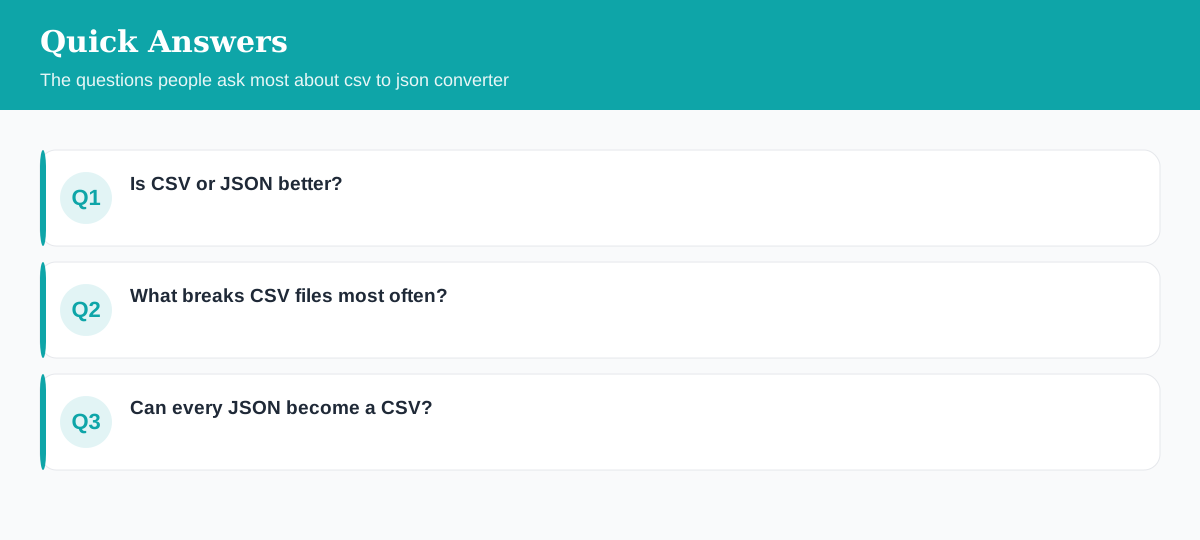
Is CSV or JSON better?
Neither — they're for different jobs. CSV is compact and perfect for flat tabular data and spreadsheets; JSON handles nested, structured data and is the default for APIs.
What breaks CSV files most often?
Commas and line breaks inside values. Proper CSV wraps those fields in quotes — if a file doesn't, columns shift and the data corrupts on import.
Can every JSON become a CSV?
Only cleanly if it's a flat array of similar objects. Deeply nested JSON must be flattened first, because CSV has no native way to represent nesting.
Explore 500+ Free Online Tools
No sign-up. No cost. Forever free — for developers, writers & creators.